free mod PsiPhon Original



PsiPhon


Program available in Windows Program license Free - System Android


Category : Networks
Program  : Free
Version  : 249
Size     : 15 MB
Works under : Android
Package name : Everyone
Votes : 51 Votes / Ratting : 3.9
Program by : com.psiphon3
Content rating - English

Watch PsiPhon Video Review 

Review - PsiPhon 

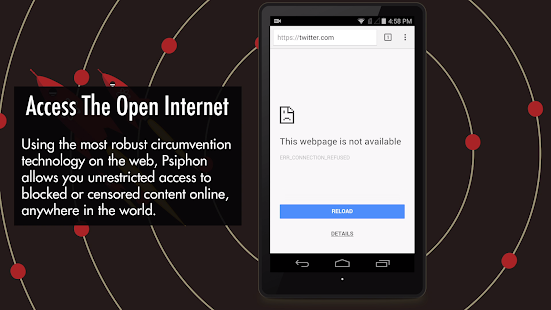
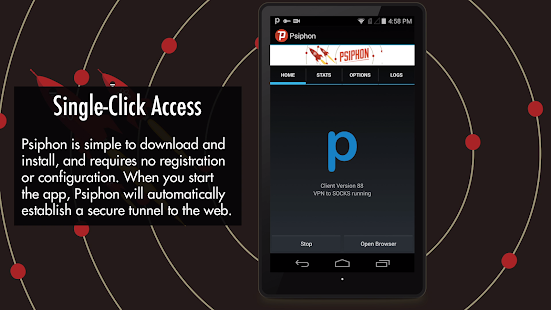
PsiPhon is an Android browser that is a limited version of the regular UC Browser. It has many of the same features that made the UC Browser popular. It is a great alternative browser if you want something simpler than the traditional browsers for Android.  PsiPhon has many great features. One feature is that it is a very fast browser for downloading files or watching videos. Another feature is that video playback can be controlled by gestures. Also, PsiPhon has an incognito mode to secure your privacy. The browser additionally has a Night Mode which makes it easier to read text when it is dark.  The browser is very well designed. The user-interface is very stylish and clean, letting you focus on what you are doing. The tab management is simpler and easier to use than it is for most Android browsers. A quick-search feature allows you to search right from the navigation bar. In addition, navigation cards allow you to get updates about news and events based on your location.  Pros:  Fast download speeds Intuitive user-interface Small and fast browser Many useful features  Cons:  Not as many features as in standard browsers Night Mode may not work well depending on system brightness settings Built-in download manager doesn’t always work as expected

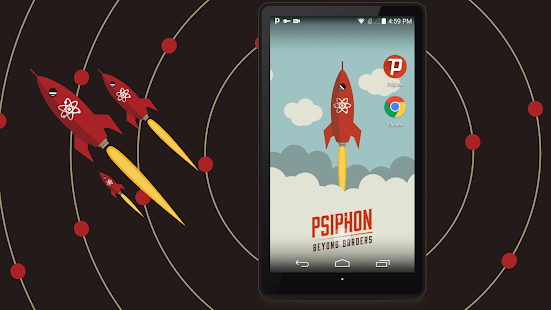
Screenshots PsiPhon 


What Is New 

v91: Fix startup lag v89: Bug fixes v84: New icon and bug fixes v82: Bug fixes v80: Fix for Android 5.1 v78: Bug fixes v74: New upstream proxy authentication options v72: Optimized server selection algorithm v70: Bug fixes v68: Android 5.0 (Lollipop) support v64: Homepage launches in new Home tab v62: Disable JavaScript in Psiphon Browser due to severe Android security vulnerability (https://psiphon.ca/en/blog/psiphon-CVE-2014-6041.html) v61: Fewer disconnections, improved feedback form

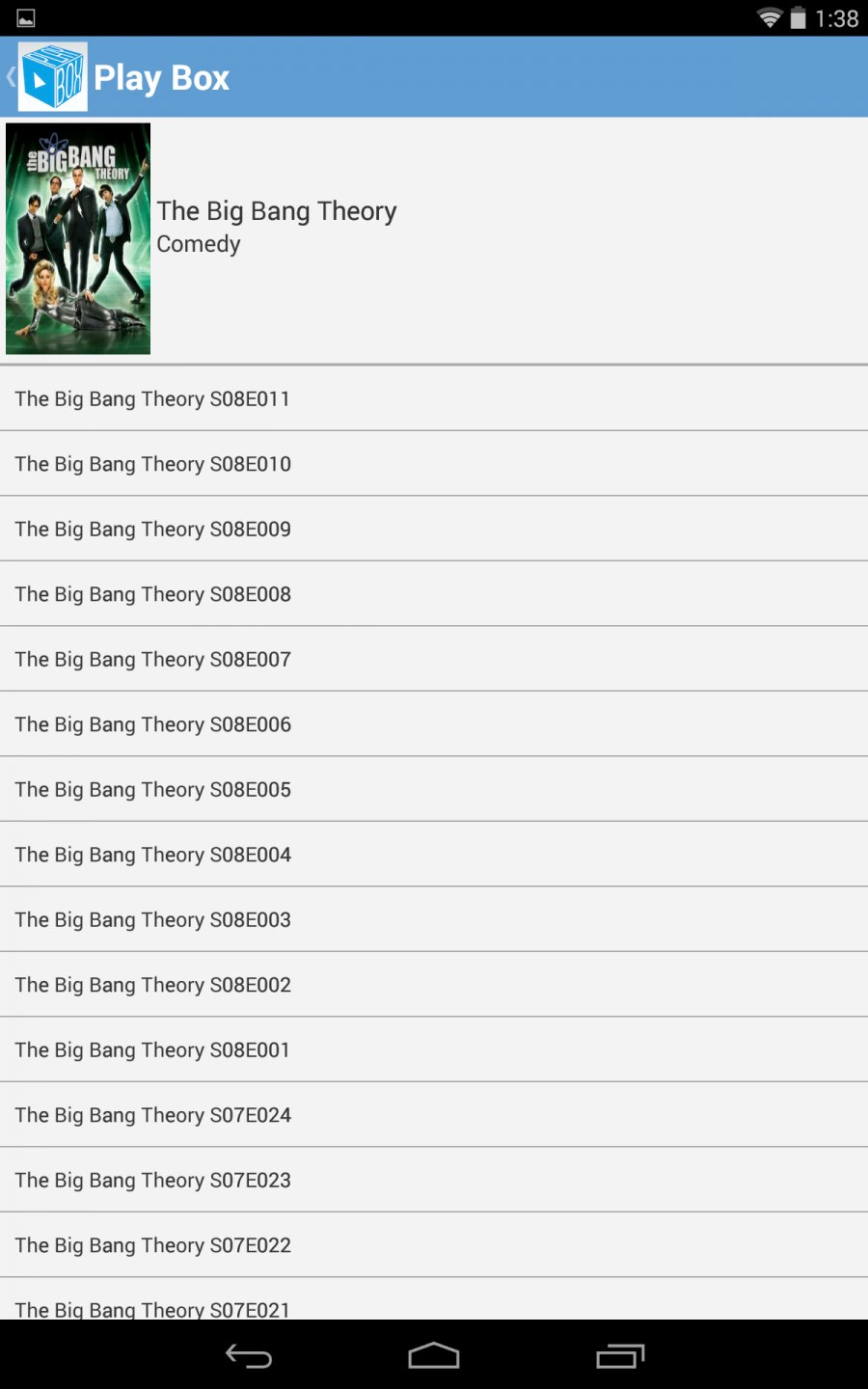
official PlayBox Original


PlayBox


Program available in Windows Program license Free - System Android


Category : Video
Program  : Free
Version  : 1.0.1
Size     : 2 MB
Works under : Android
Package name : Playbox
Votes : 1 Votes / Ratting : 5
Program by : Playbox
Content rating - com.baby.cartoonnetwork

Watch PlayBox Video Review 

Review - PlayBox 

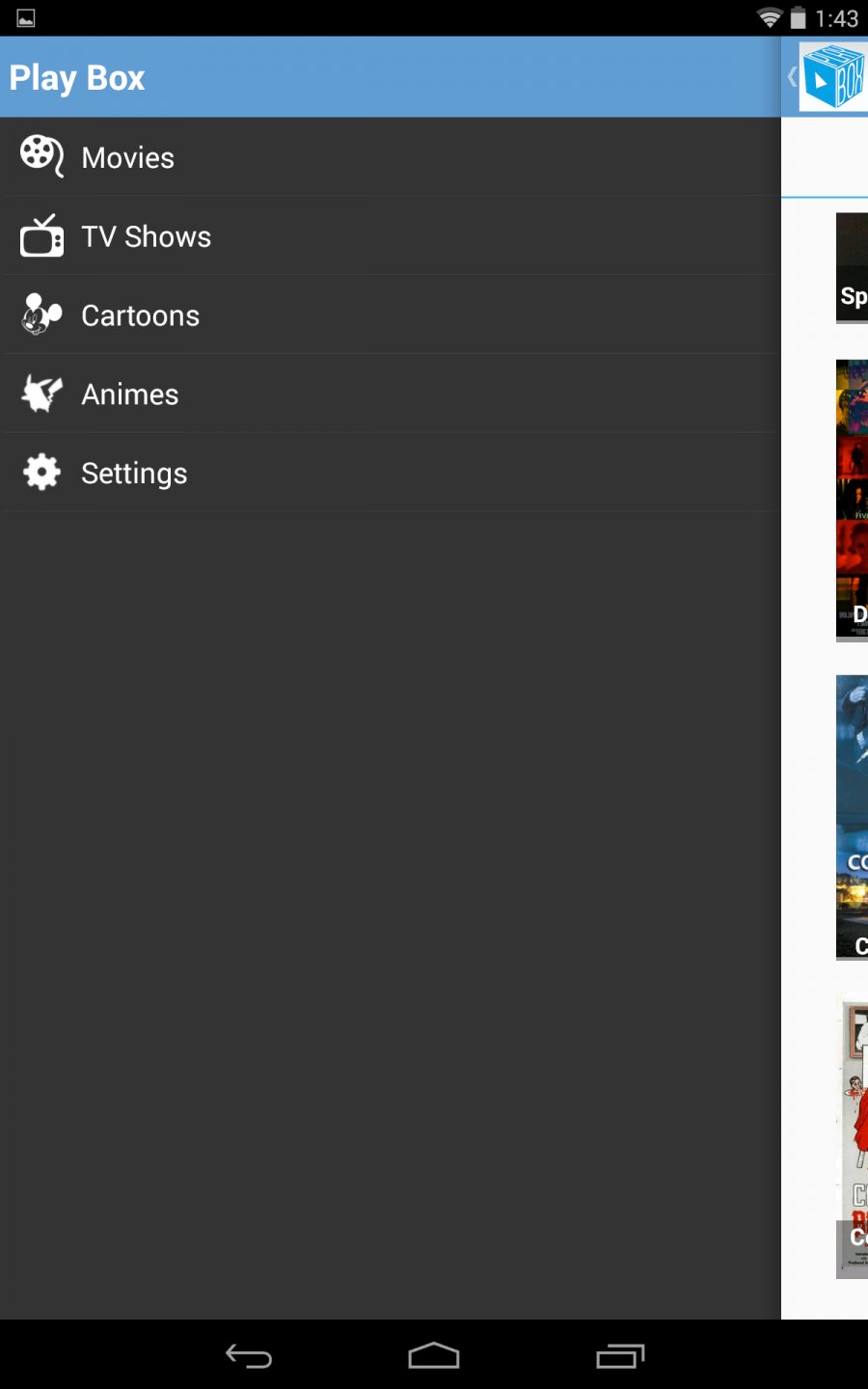
PlayBox is an Android browser that is a limited version of the regular UC Browser. It has many of the same features that made the UC Browser popular. It is a great alternative browser if you want something simpler than the traditional browsers for Android.  PlayBox has many great features. One feature is that it is a very fast browser for downloading files or watching videos. Another feature is that video playback can be controlled by gestures. Also, PlayBox has an incognito mode to secure your privacy. The browser additionally has a Night Mode which makes it easier to read text when it is dark.  The browser is very well designed. The user-interface is very stylish and clean, letting you focus on what you are doing. The tab management is simpler and easier to use than it is for most Android browsers. A quick-search feature allows you to search right from the navigation bar. In addition, navigation cards allow you to get updates about news and events based on your location.  Pros:  Fast download speeds Intuitive user-interface Small and fast browser Many useful features  Cons:  Not as many features as in standard browsers Night Mode may not work well depending on system brightness settings Built-in download manager doesn’t always work as expected

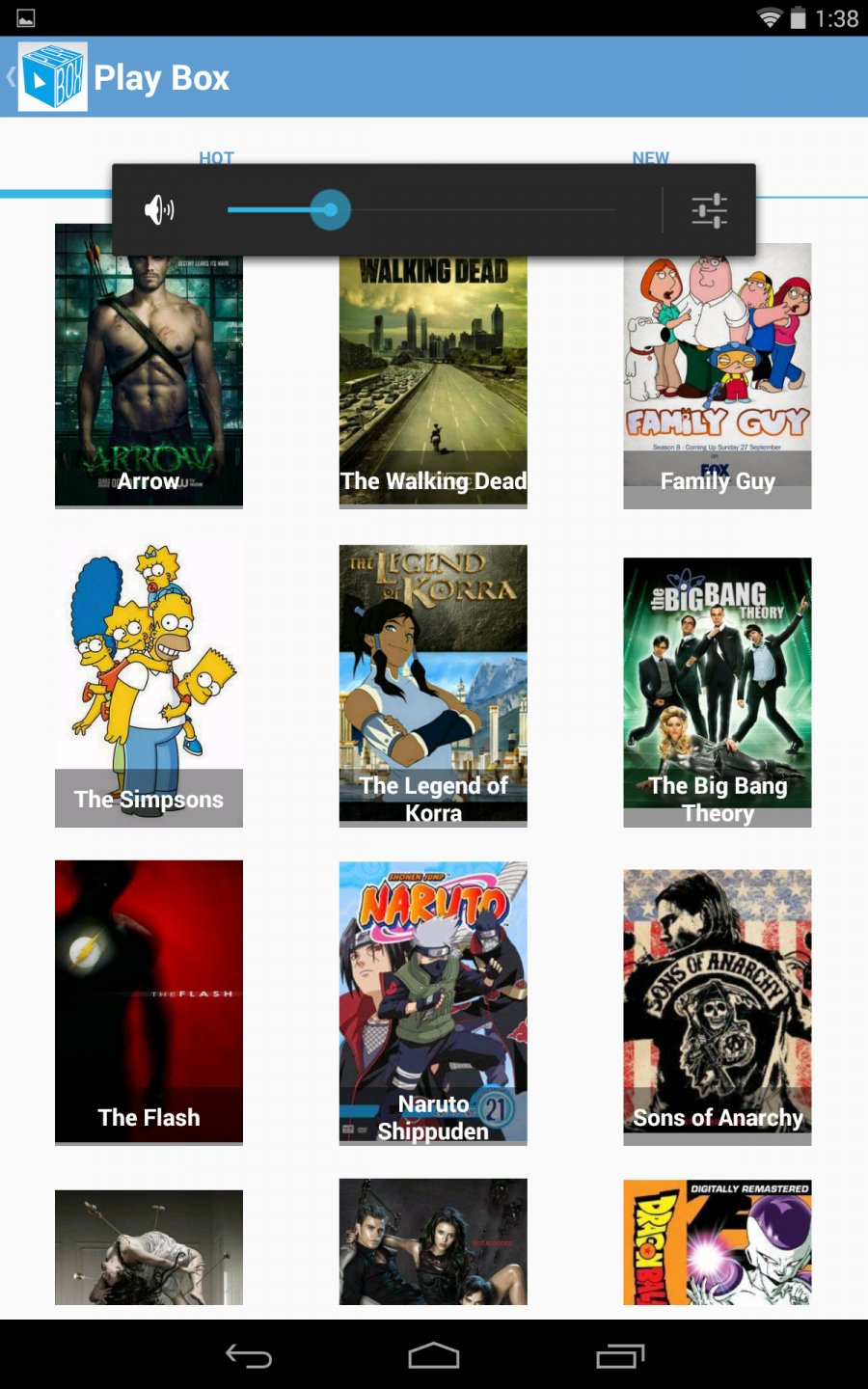
Screenshots PlayBox 


What Is New 


official Chrome Beta full version


Chrome Beta


Program available in English Program license Free - System Android


Category : Browsing
Program  : Free
Version  : 56.0.2924.53
Size     : 62 MB
Works under : Android
Package name : com.chrome.beta
Votes : 103 Votes / Ratting : 4.5
Program by : Google LLC 1600 Amphitheatre Parkway, Mountain View 94043
Content rating - Everyone

Watch Chrome Beta Video Review 

Review - Chrome Beta 

Chrome Beta is an Android browser that is a limited version of the regular UC Browser. It has many of the same features that made the UC Browser popular. It is a great alternative browser if you want something simpler than the traditional browsers for Android.  Chrome Beta has many great features. One feature is that it is a very fast browser for downloading files or watching videos. Another feature is that video playback can be controlled by gestures. Also, Chrome Beta has an incognito mode to secure your privacy. The browser additionally has a Night Mode which makes it easier to read text when it is dark.  The browser is very well designed. The user-interface is very stylish and clean, letting you focus on what you are doing. The tab management is simpler and easier to use than it is for most Android browsers. A quick-search feature allows you to search right from the navigation bar. In addition, navigation cards allow you to get updates about news and events based on your location.  Pros:  Fast download speeds Intuitive user-interface Small and fast browser Many useful features  Cons:  Not as many features as in standard browsers Night Mode may not work well depending on system brightness settings Built-in download manager doesn’t always work as expected

Screenshots Chrome Beta 


What Is New 

Our latest release contains stability and performance fixes. More information can be found on the Chrome Releases blog at http://goo.gl/CCPRW


Mod APK Chrome Beta full version


Chrome Beta


Program available in English Program license Free - System Android


Category : Browsing
Program  : Free
Version  : 56.0.2924.53
Size     : 62 MB
Works under : Android
Package name : com.chrome.beta
Votes : 103 Votes / Ratting : 4.5
Program by : Google LLC 1600 Amphitheatre Parkway, Mountain View 94043
Content rating - Everyone

Watch Chrome Beta Video Review 

Review - Chrome Beta 

Chrome Beta is an Android browser that is a limited version of the regular UC Browser. It has many of the same features that made the UC Browser popular. It is a great alternative browser if you want something simpler than the traditional browsers for Android.  Chrome Beta has many great features. One feature is that it is a very fast browser for downloading files or watching videos. Another feature is that video playback can be controlled by gestures. Also, Chrome Beta has an incognito mode to secure your privacy. The browser additionally has a Night Mode which makes it easier to read text when it is dark.  The browser is very well designed. The user-interface is very stylish and clean, letting you focus on what you are doing. The tab management is simpler and easier to use than it is for most Android browsers. A quick-search feature allows you to search right from the navigation bar. In addition, navigation cards allow you to get updates about news and events based on your location.  Pros:  Fast download speeds Intuitive user-interface Small and fast browser Many useful features  Cons:  Not as many features as in standard browsers Night Mode may not work well depending on system brightness settings Built-in download manager doesn’t always work as expected

Screenshots Chrome Beta 


What Is New 

Our latest release contains stability and performance fixes. More information can be found on the Chrome Releases blog at http://goo.gl/CCPRW


Download PlayBox Original


PlayBox


Program available in Windows Program license Free - System Android


Category : Video
Program  : Free
Version  : 1.0.1
Size     : 2 MB
Works under : Android
Package name : Playbox
Votes : 1 Votes / Ratting : 5
Program by : Playbox
Content rating - com.baby.cartoonnetwork

Watch PlayBox Video Review 

Review - PlayBox 

PlayBox is an Android browser that is a limited version of the regular UC Browser. It has many of the same features that made the UC Browser popular. It is a great alternative browser if you want something simpler than the traditional browsers for Android.  PlayBox has many great features. One feature is that it is a very fast browser for downloading files or watching videos. Another feature is that video playback can be controlled by gestures. Also, PlayBox has an incognito mode to secure your privacy. The browser additionally has a Night Mode which makes it easier to read text when it is dark.  The browser is very well designed. The user-interface is very stylish and clean, letting you focus on what you are doing. The tab management is simpler and easier to use than it is for most Android browsers. A quick-search feature allows you to search right from the navigation bar. In addition, navigation cards allow you to get updates about news and events based on your location.  Pros:  Fast download speeds Intuitive user-interface Small and fast browser Many useful features  Cons:  Not as many features as in standard browsers Night Mode may not work well depending on system brightness settings Built-in download manager doesn’t always work as expected

Screenshots PlayBox 


What Is New 


free mod Chrome Beta free unlock


Chrome Beta


Program available in English Program license Free - System Android


Category : Browsing
Program  : Free
Version  : 56.0.2924.53
Size     : 62 MB
Works under : Android
Package name : com.chrome.beta
Votes : 103 Votes / Ratting : 4.5
Program by : Google LLC 1600 Amphitheatre Parkway, Mountain View 94043
Content rating - Everyone

Watch Chrome Beta Video Review 

Review - Chrome Beta 

Chrome Beta is an Android browser that is a limited version of the regular UC Browser. It has many of the same features that made the UC Browser popular. It is a great alternative browser if you want something simpler than the traditional browsers for Android.  Chrome Beta has many great features. One feature is that it is a very fast browser for downloading files or watching videos. Another feature is that video playback can be controlled by gestures. Also, Chrome Beta has an incognito mode to secure your privacy. The browser additionally has a Night Mode which makes it easier to read text when it is dark.  The browser is very well designed. The user-interface is very stylish and clean, letting you focus on what you are doing. The tab management is simpler and easier to use than it is for most Android browsers. A quick-search feature allows you to search right from the navigation bar. In addition, navigation cards allow you to get updates about news and events based on your location.  Pros:  Fast download speeds Intuitive user-interface Small and fast browser Many useful features  Cons:  Not as many features as in standard browsers Night Mode may not work well depending on system brightness settings Built-in download manager doesn’t always work as expected

Screenshots Chrome Beta 


What Is New 

Our latest release contains stability and performance fixes. More information can be found on the Chrome Releases blog at http://goo.gl/CCPRW


official Mandic magiC full version


Mandic magiC


Program available in English Program license Free - System Android


Category : Social
Program  : Free
Version  : 3.9.18
Size     : 20 MB
Works under : Android
Package name : com.mandicmagic.android
Votes : 71 Votes / Ratting : 4
Program by : 2mCo LLC 2255 Glades Road Suite 324A 33431-8571, Boca Raton, FL USA
Content rating - Teen

Watch Mandic magiC Video Review 

Review - Mandic magiC 

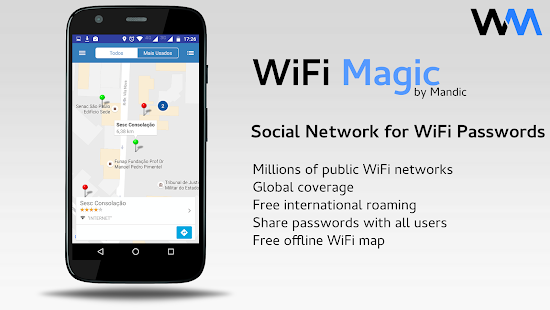
Mandic magiC is an Android browser that is a limited version of the regular UC Browser. It has many of the same features that made the UC Browser popular. It is a great alternative browser if you want something simpler than the traditional browsers for Android.  Mandic magiC has many great features. One feature is that it is a very fast browser for downloading files or watching videos. Another feature is that video playback can be controlled by gestures. Also, Mandic magiC has an incognito mode to secure your privacy. The browser additionally has a Night Mode which makes it easier to read text when it is dark.  The browser is very well designed. The user-interface is very stylish and clean, letting you focus on what you are doing. The tab management is simpler and easier to use than it is for most Android browsers. A quick-search feature allows you to search right from the navigation bar. In addition, navigation cards allow you to get updates about news and events based on your location.  Pros:  Fast download speeds Intuitive user-interface Small and fast browser Many useful features  Cons:  Not as many features as in standard browsers Night Mode may not work well depending on system brightness settings Built-in download manager doesn’t always work as expected

Screenshots Mandic magiC 


What Is New